
Some Neoloop (formerly Lynham Networks) fibre homes have a Ubiquiti UFiber Loco, the small box that connects your home to the fibre network. If your internet isn’t working, its signal lights tell you whether the fibre connection is the problem. Check them, then restart your equipment before lodging a fault.
Your Ubiquiti NTU
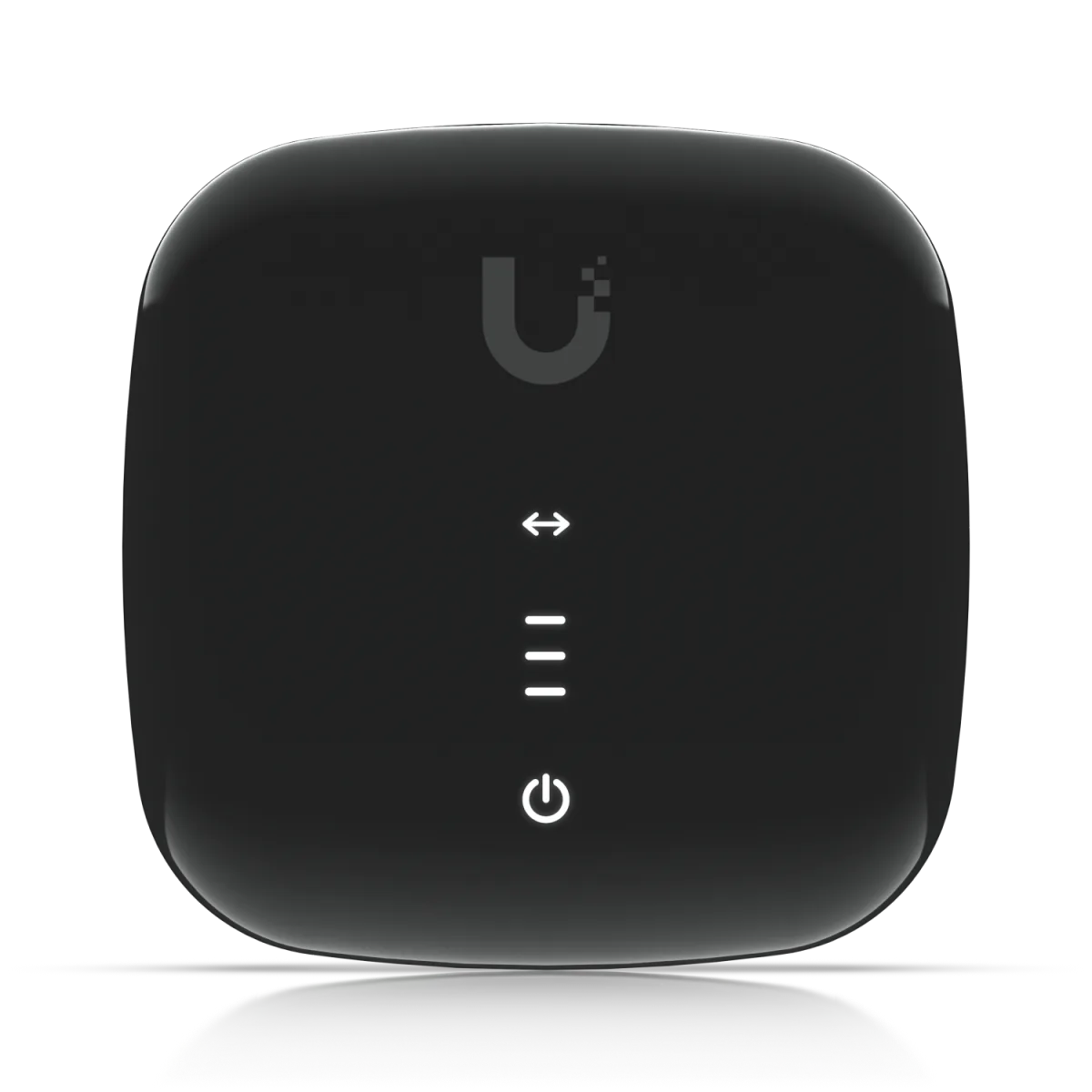
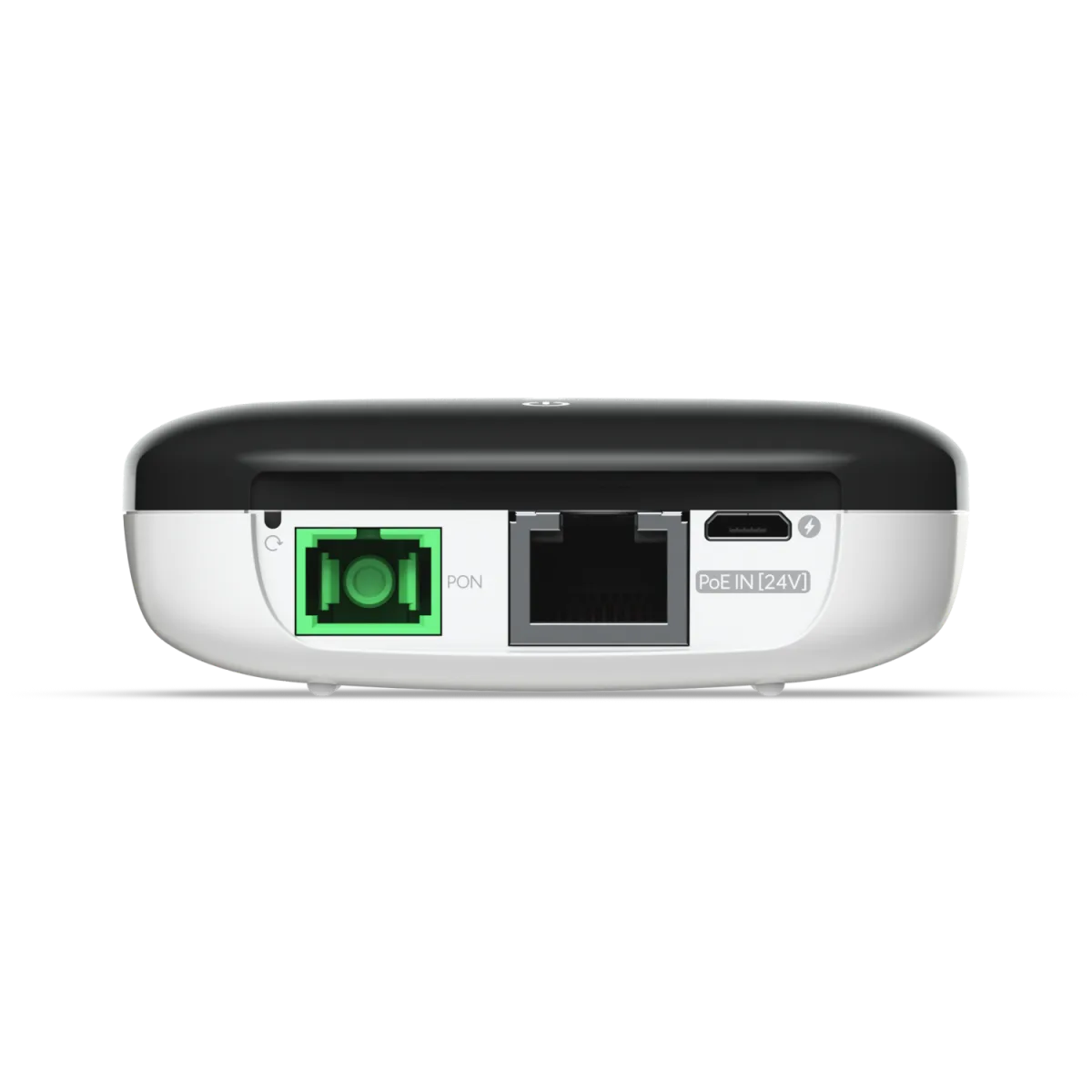
The fibre cable plugs into one side, and your router connects to the Ethernet port.
What the signal lights mean
The signal lights show the strength of the fibre signal. When it’s working, you’ll see one to three white lights.
| Signal lights | What it means |
|---|---|
| Off | Starting up |
| 1 white | Signal low, but working |
| 2 white | Signal good |
| 3 white | Signal strong |
| 1 amber | Signal too weak. Contact us. |
| 1 amber and 2 white | Signal too strong. Contact us. |
| 3 amber | No signal. Check the fibre cable is plugged in firmly, then contact us. |
| Switching between 2 amber and 1 white, and the normal signal lights | The box isn’t authorised on the network yet. Contact us. |
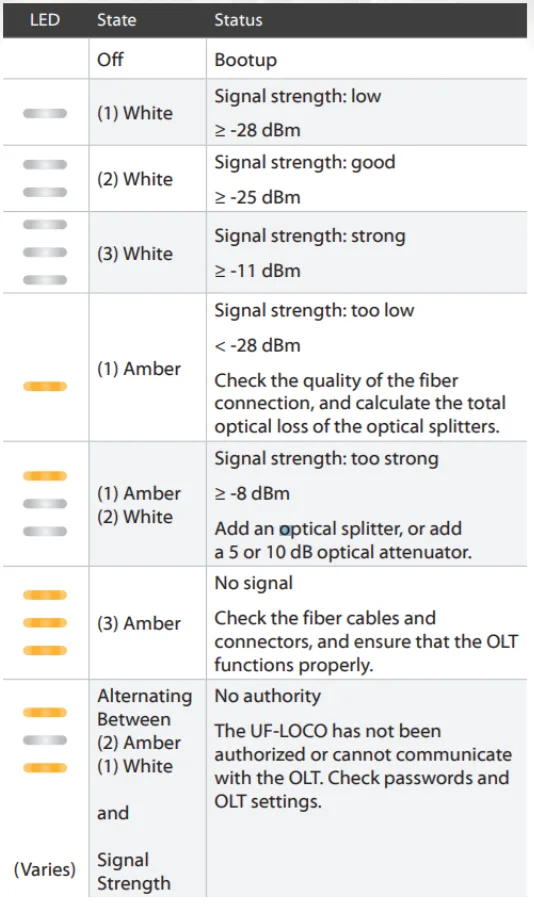
Any amber light means the problem is with the fibre connection or the box, not your router. Skip the restart and contact us.
Restart your equipment
If the signal lights are white but you still can’t get online:
- Turn off your router and the Ubiquiti NTU.
- Wait 10 minutes.
- Turn the NTU back on, then your router.
- Wait 5 minutes and check the lights again.
Still not working? Check your router’s settings: on Neoloop it connects using PPPoE with the username and password from your activation email. See routers that work on Neoloop.
Still not working? Lodge a fault
Report a problem, call us on 1800 663 977 or email [email protected]. Tell us:
- what’s happening (no internet, slow speeds or dropouts)
- how many signal lights are on, and their colour
- whether the Ethernet (LAN) light is on, solid or flashing
- whether you’ve already restarted the NTU and your router
If you have an Adtran box instead, see Adtran ONT lights explained.